01
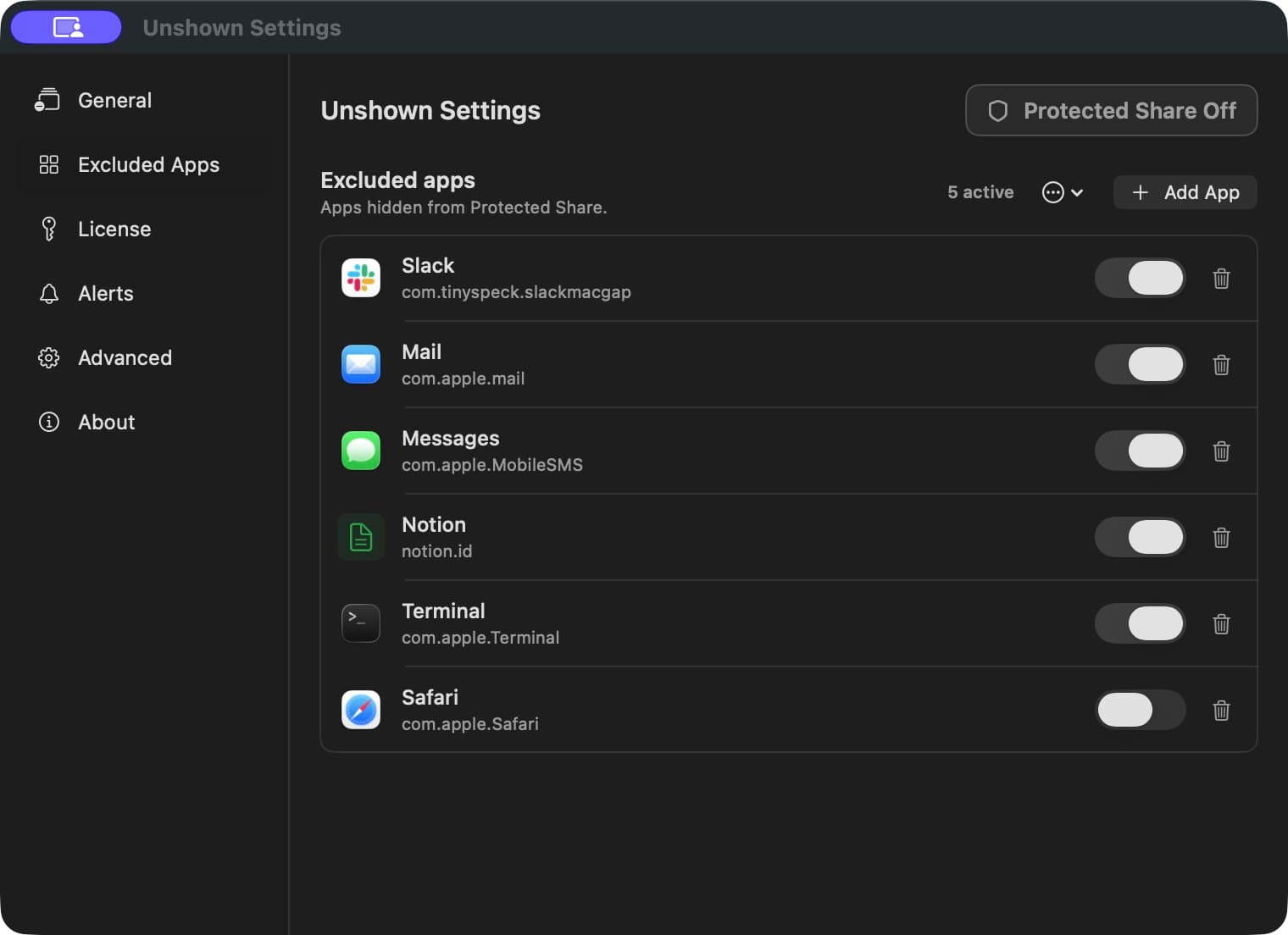
Choose private apps
Pick the apps that should never appear in the protected output.
macOS screen sharing privacy
Unshown is a native Mac screen-sharing privacy app. It creates a separate Protected Share window and keeps selected apps—such as Slack, Mail, Messages, and Terminal—off the shared screen in a compatible window-sharing workflow.
Built-in 90-second compatibility check. Test your meeting or recording workflow before a live session. Requires macOS 14 or later on Apple silicon and Intel.
Protected Share Active
3 apps excludedThe moment before you click Share
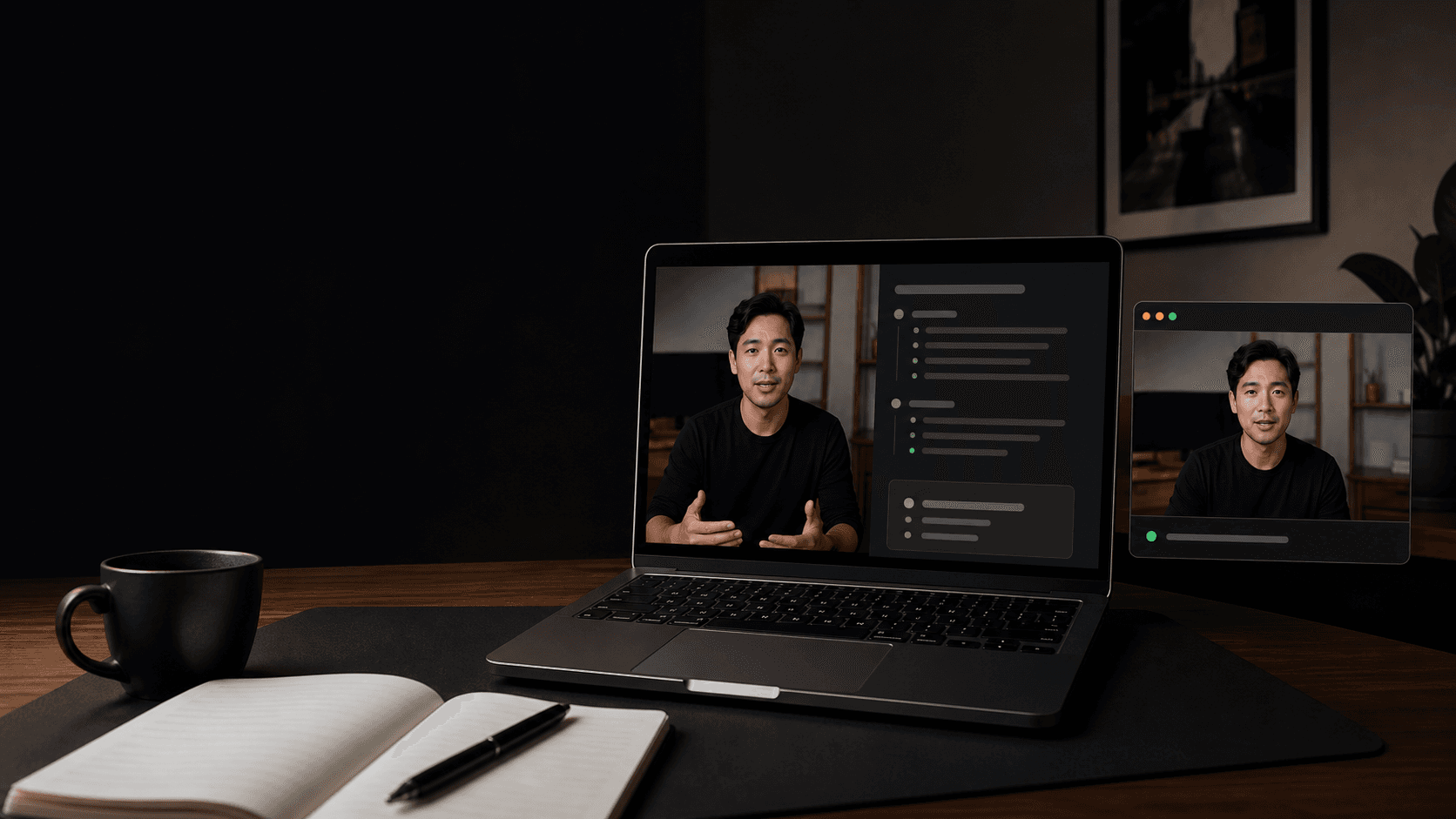
Slack, email, terminal output, and private notes are useful while presenting. Unshown lets them stay open locally while publishing a separate, presentation-safe output.
No tricks. No cloud. Just a privacy-first way to share.
See the protected pathOne workspace. Two views.
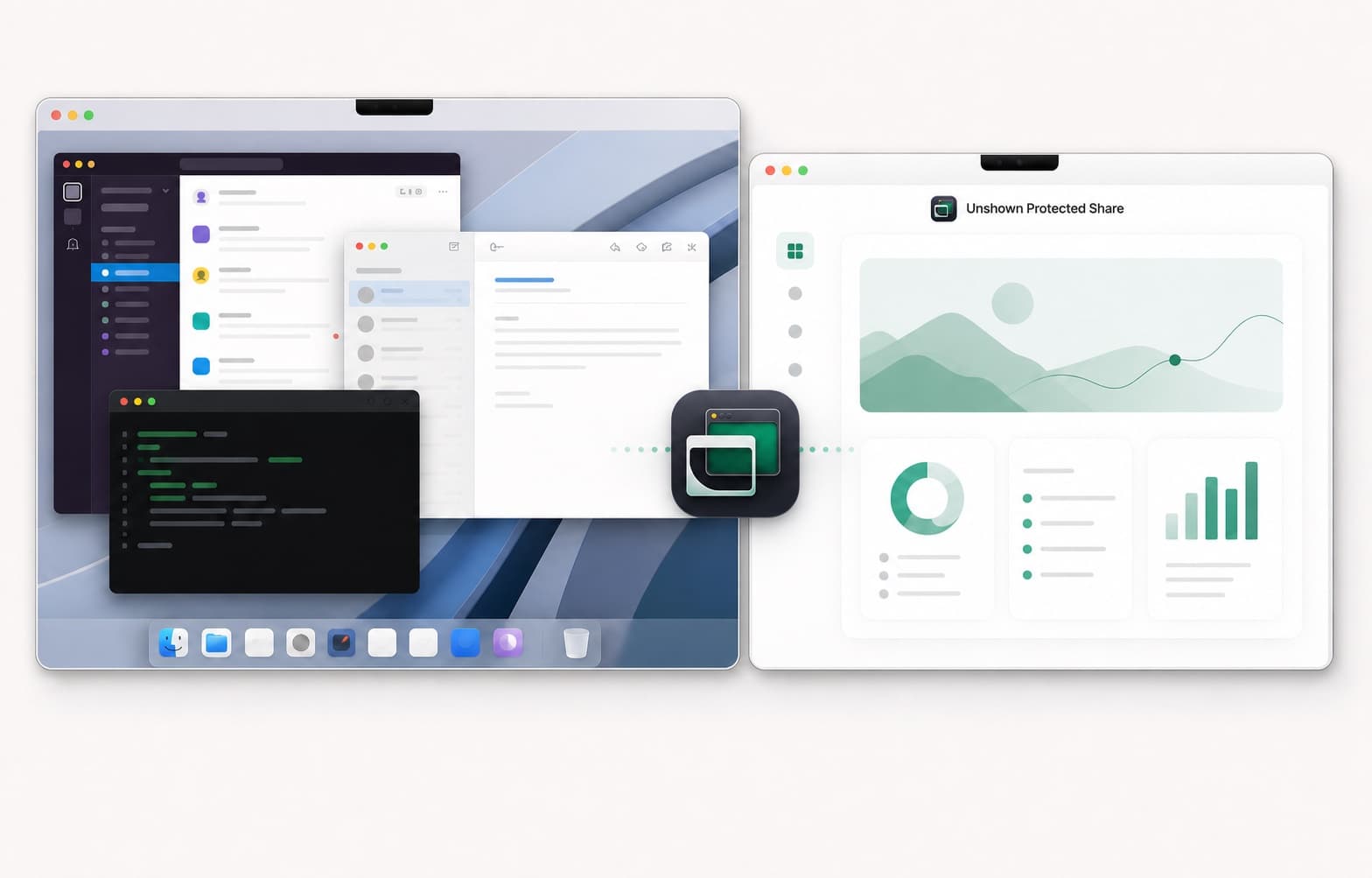
Share only the window named Unshown Protected Share. Sharing the original display bypasses protection.
How it works
No meeting plugin and no virtual display driver in the current release. Your meeting app receives a normal macOS window.
Pick the apps that should never appear in the protected output.
Unshown creates a separate share window using macOS app-exclusion filters.
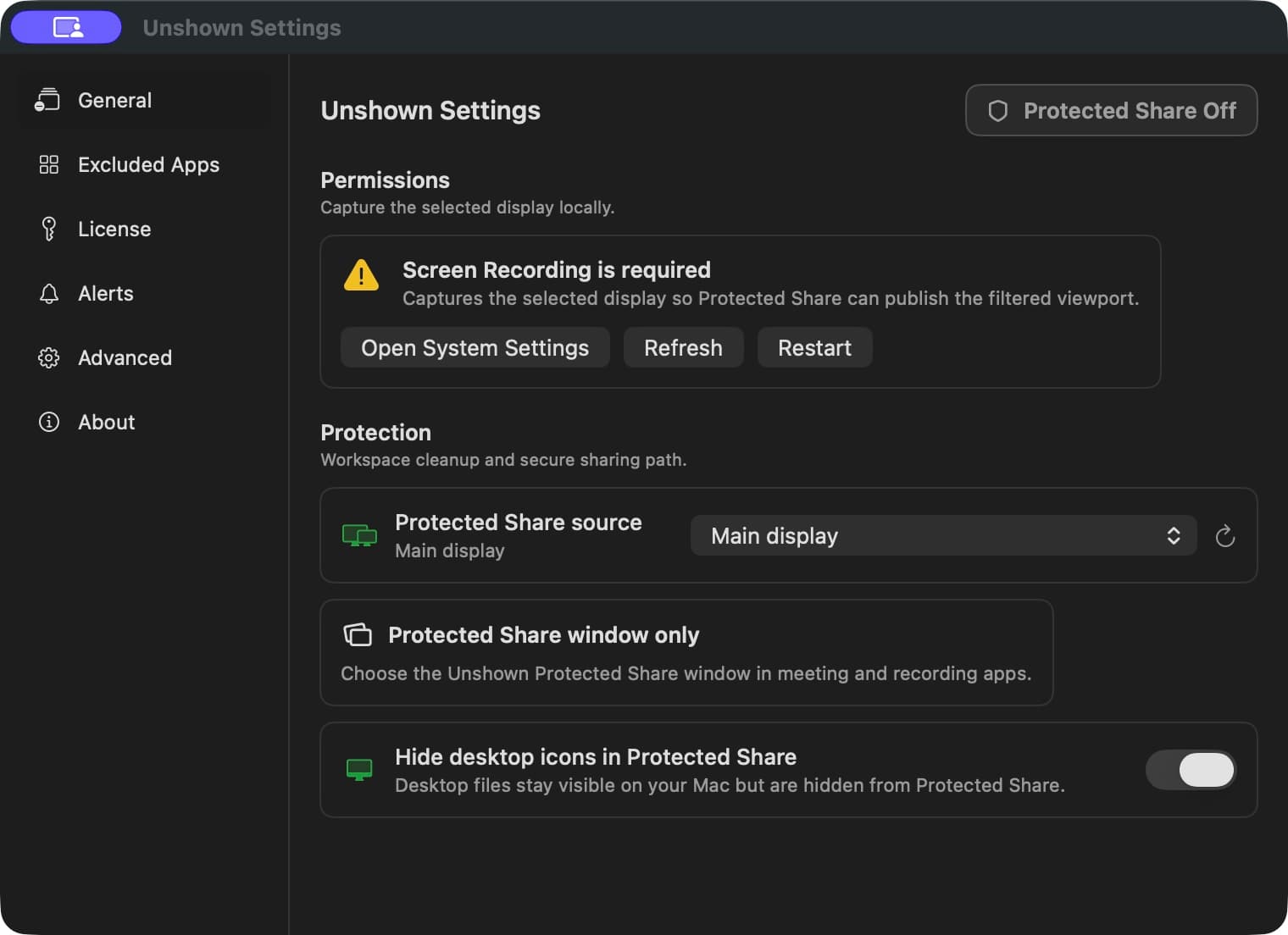
Select Unshown Protected Share in a meeting or recording app that supports macOS window sharing.
Built for live work
Keep roadmap notes, metrics, and internal chats nearby without adding them to the demo.
Reference private account context locally while the prospect sees only the walkthrough.
Use internal tools and macros while sharing only the customer-safe workspace.
Record clean tutorials without reorganizing your entire desktop before every take.
Local-first by design
Unshown is built around a narrow job: create a protected presentation output without turning your screen into cloud data.
Configured apps are removed by the capture filter before frames reach Protected Share.
Screen content stays on your Mac. Unshown does not upload the protected stream.
The active sharing path does not read, classify, or analyze text on your screen.
Simple pricing
Seven days to test your real workflow. One proposed founder price if Unshown earns a place in it.
$0for seven days
$39planned one-time price
No payment is collected today. Join the first-checkout list if this proposed offer fits your workflow.
Purchase intent only. No order, payment, or license is created.
Current build: 1.0.0 beta (110) for macOS 14 or later. Verify SHA-256Release manifest
Before you share
Choose the private apps in Unshown, start Protected Share, then select the window named Unshown Protected Share in your meeting or recording app. Do not share the original display.
Yes. Configured apps remain visible and interactive on your Mac while being omitted from Protected Share.
Not as a universal notification blocker. Unshown excludes the apps you configure, but macOS may render notification banners separately. Turn on Focus or Do Not Disturb and confirm the participant preview before sharing.
No. The current beta excludes configured apps at the app level. It does not hide one window from an otherwise allowed app.
No. Sensitive-content masking is deprecated behind a code-only flag. Protected Share does not run OCR or semantic text analysis, and content inside an allowed app remains visible.
No meeting or recording host is certified yet. Use the built-in 90-second compatibility test before relying on Unshown in a live session.
No. The Protected Share path uses ScreenCaptureKit locally and does not upload screen frames, save screenshots, or run cloud OCR.
Share the clean output.